Pricing
One plan, billed monthly per HubSpot account. $89 a month includes 1,000 transactional emails. Need more? Set a monthly auto-buy budget, and the app adds 100 emails at a time for $10 each top-up.
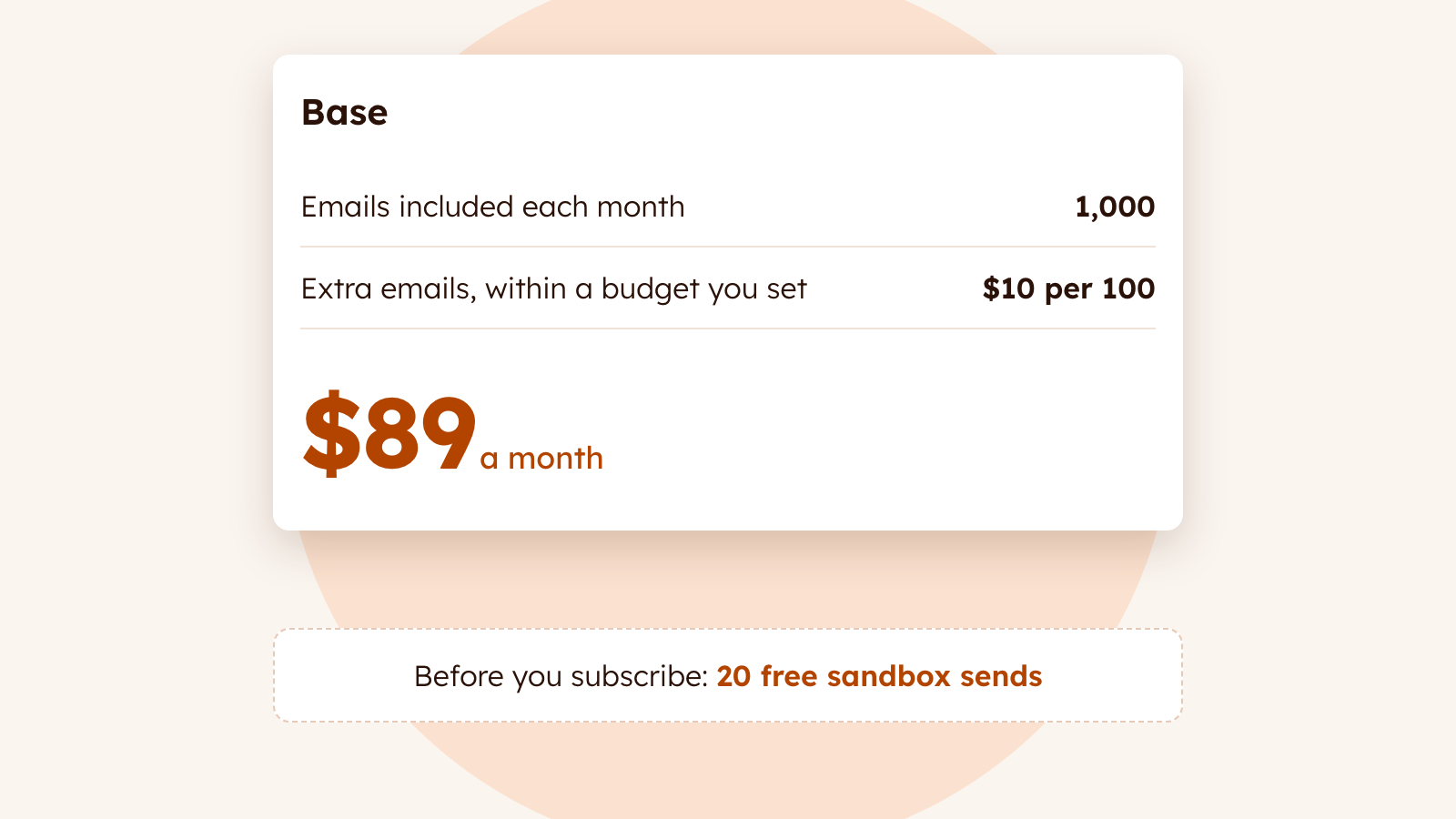
| Base | |
|---|---|
| Price | $89/month per HubSpot account |
| Emails | 1,000 per billing period |
| Extra emails | 100-email top-ups at $10 each, bought automatically within a monthly budget you set (off until you set one) |
| Sender profiles | Unlimited |
| Sending domains | 1 |
| Templates | Any email you build in HubSpot's editor (standard modules) |
| Warm-up, suppression, content review | Included, always on |
| Tracking on the contact | Sent, bounced, and spam complaint events, plus suppression properties |
| Logs | 45 days of send history in the app (metadata only, never the email body) |
| Contract | Monthly. Cancel anytime |
Start with 20 free sends
Every HubSpot account gets a sandbox when it installs: 20 sends, to any recipient, from our shared sandbox address. Build a template, wire up a workflow, and watch a real email arrive before you change a DNS record or enter a card. The sandbox never resets, not even if you reinstall.
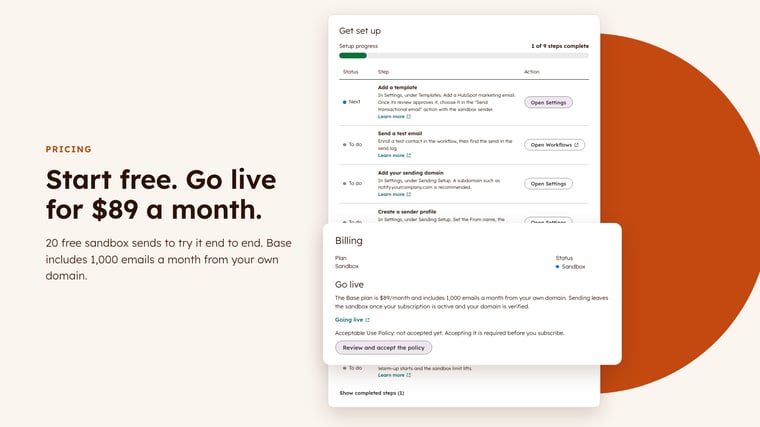
Going live
To send from your own domain you need three things: a verified sending domain, a Super Admin's acceptance of the Acceptable Use Policy, and an active Base subscription through Stripe checkout. App Home's Get set up checklist walks you through each one, and live sending starts the moment the last one is done. How going live works.
How extra emails work
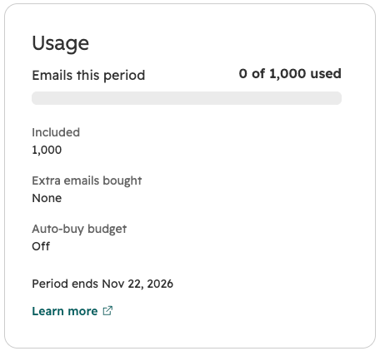
Extra emails are optional. Your monthly auto-buy budget starts at $0, which means auto-buy is off. A Super Admin sets it in Settings → Billing. When your 1,000 included emails run out, auto-buy adds a top-up of 100 emails for $10 and keeps sending, as many times as your budget allows that month. Top-ups are billed on your next monthly invoice, and a raised budget applies right away.
When your included and budgeted emails are used up, new sends fail with the quota_exhausted status and your alert recipients get an email. Those sends aren't retried. We recommend setting a budget so receipts don't stop mid-month.
Your alert recipients also hear from us at 80% and 100% of your included emails. App Home's Usage section shows where you stand at any time. How your email allowance works.
What it costs next to HubSpot's add-on
As of October 2026, HubSpot lists its Transactional Email add-on at $600 a month, and it requires Marketing Hub Professional (from $800 a month) or Enterprise (from $3,600 a month). Its sends are unlimited, so a very high-volume sender already on Marketing Hub Professional may come out ahead there. Read the full comparison.