HubSpot Transactional Email add-on alternative
HubSpot lists its Transactional Email add-on at $600 a month, and it requires Marketing Hub Professional or Enterprise. Cambium Transactional Email sends the same kinds of emails (receipts, subscription notices, account updates) from HubSpot workflows for $89 a month, on any Professional or Enterprise hub with workflows.
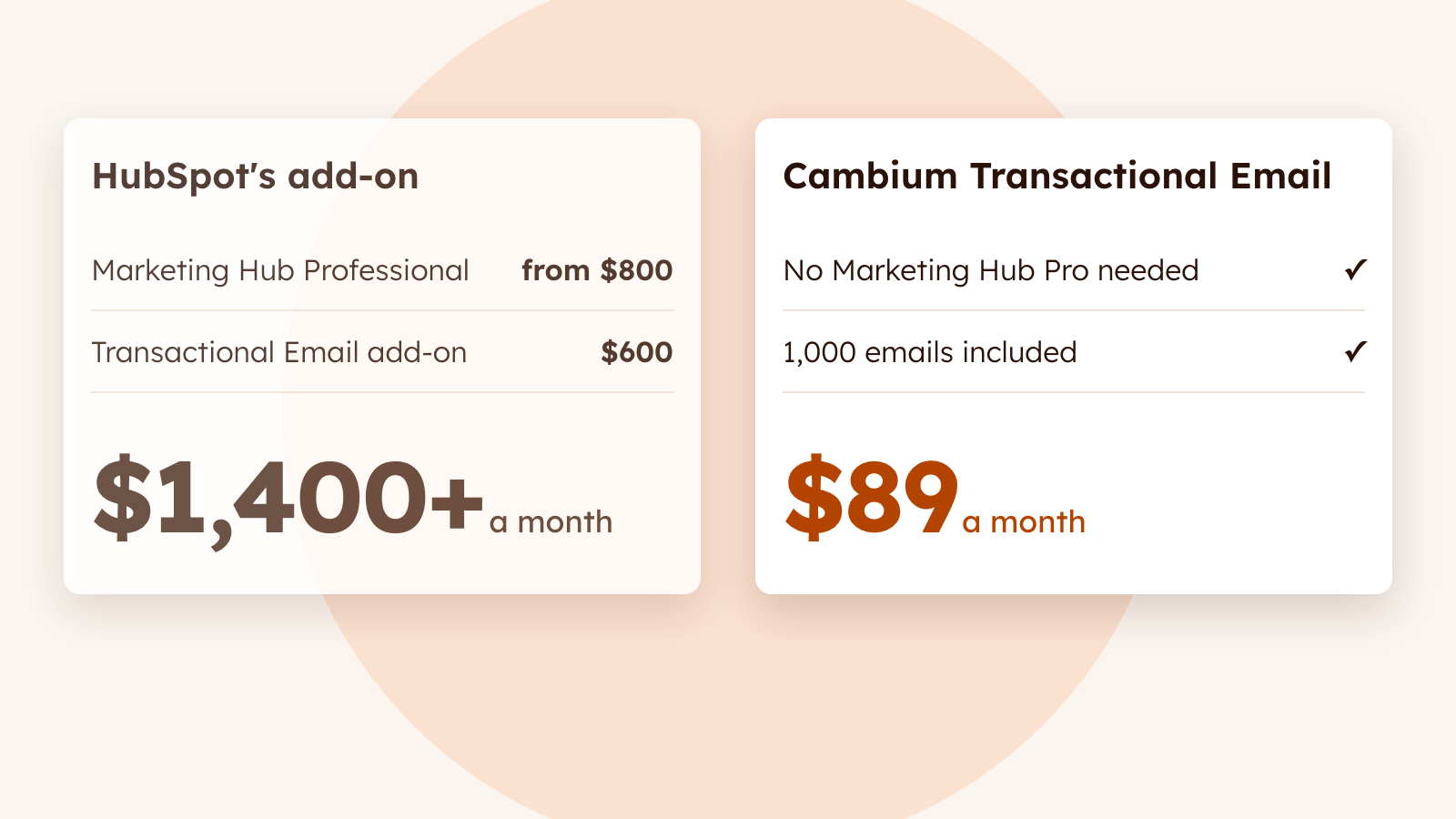
Here's an honest side-by-side, including the cases where HubSpot's add-on is the better buy.
Side by side
| HubSpot Transactional Email add-on | Cambium Transactional Email | |
|---|---|---|
| Price | $600/month | $89/month for 1,000 emails, plus optional top-ups of 100 emails at $10 each |
| Required HubSpot plan | Marketing Hub Professional (from $800/mo) or Enterprise (from $3,600/mo) | Any Professional or Enterprise hub with workflows |
| Volume | Unlimited | 1,000 included per billing period, more in 100-email top-ups within a monthly budget you set |
| Template editor | HubSpot email editor | HubSpot email editor (standard modules) |
| Trigger | Workflows, single-send API, SMTP API | Workflow action in contact, company, deal, ticket and custom-object workflows |
| Sending IP | Dedicated IP | Shared Amazon SES infrastructure, with sending reputation isolated per HubSpot account |
| Attachments | Ask your HubSpot rep | Not yet |
| How you buy it | Through HubSpot sales | Install from the Marketplace, 20 free sends |
HubSpot details are list prices and features as HubSpot published them, as of October 2026.
When HubSpot's add-on is the right choice
You already pay for Marketing Hub Professional or Enterprise. You send tens of thousands of transactional emails a month. Or you need the single-send or SMTP API so your own app can trigger emails.
If that's you, the add-on's unlimited volume and API access are worth the $600, and we'd tell you to buy it.
When Transactional Email is the right choice
Your account runs on Sales, Service, or Data Hub, and you don't have Marketing Hub Professional, so the add-on isn't for sale to you. Or you do have Marketing Hub Professional, but you send a few hundred or a few thousand receipts and notices a month, and $600 is a lot to pay for that.
In both cases you want the same thing: build the email in HubSpot, send it from a workflow, and see it on the contact.
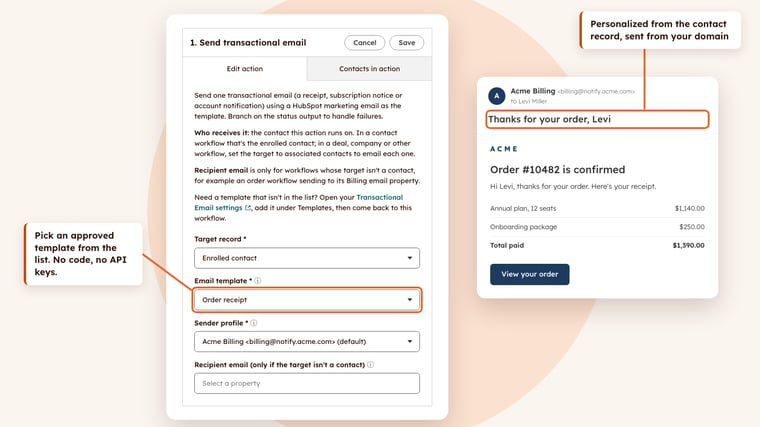
What you give up compared with the add-on
We'd rather you hear the limits here than in week two. There's no API, so only HubSpot workflows can trigger a send. Each action sends to one recipient, with no CC or BCC (in a deal or company workflow, one email per associated contact). Tokens come from the contact and their primary company, so deal or ticket details need copying onto the contact first. There are no attachments yet. And you get Sent, Bounced and Complaint events on the contact timeline, not open and click tracking.
For receipts and account notices triggered by CRM events, none of that tends to matter. For a product that sends password resets from its own backend, it does, and the add-on or a developer email API is the better fit.
The workaround most teams try first
Many teams send receipts as regular marketing emails from a workflow. That works until a customer who unsubscribed from your newsletter stops getting them, because HubSpot won't send marketing email to unsubscribed contacts.