Transactional email for HubSpot, without the $600 add-on
Cambium Transactional Email sends receipts, subscription notices and account emails from your HubSpot workflows. Build the template in HubSpot's email editor, pick it in a workflow action, and it's delivered from your own domain. $89 a month for 1,000 emails, with 20 free sends to start.
How it works
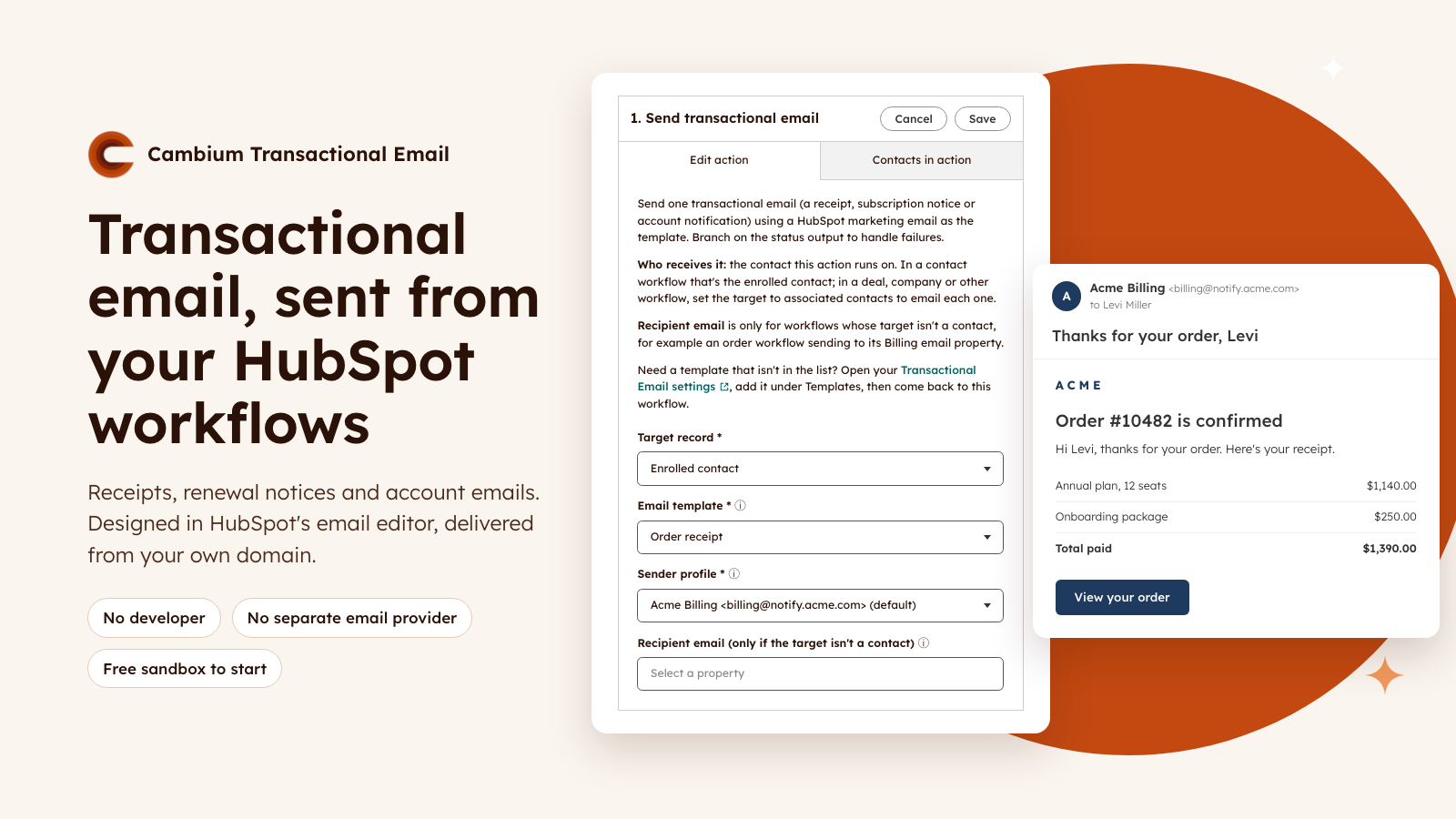
Build it in HubSpot. Design the email in HubSpot's drag-and-drop editor, with contact and company tokens, and save it as a draft. A Super Admin adds it in Settings → Templates. No second template tool.
Send it from a workflow. Add the Send transactional email action to a contact, company, deal, ticket or custom-object workflow. Pick an approved template and a sender profile. In a contact workflow it emails the enrolled contact; in other workflows, target the associated contacts and each one gets their own email.
Delivered from your domain. The app gives you the DKIM, MAIL FROM and DMARC records your domain needs and shows each record's status as it verifies. One button emails the exact records to whoever runs your DNS. Once they verify, mail goes out from your domain with a sending reputation that's isolated from every other customer.
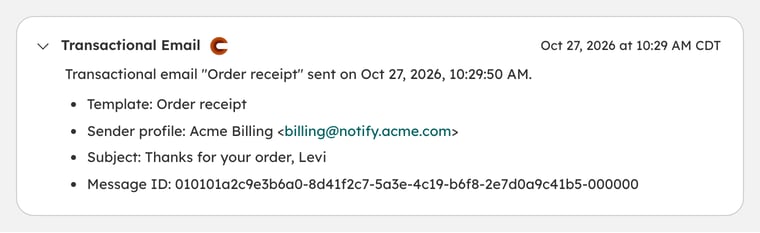
Tracked on the contact. Sends, bounces and spam complaints land on the contact's timeline. The workflow gets a send status back, so you can branch on it.
What HubSpot's add-on costs, and what this costs
As of October 2026, HubSpot lists its Transactional Email add-on at $600 a month, available only with Marketing Hub Professional or Enterprise and bought through HubSpot sales. If your portal runs on Sales, Service or Data Hub without Marketing Hub Professional, you'd have to buy that too.
| HubSpot add-on | Cambium Transactional Email | |
|---|---|---|
| Monthly price | HubSpot lists $600, on top of Marketing Hub Professional (from $800) or Enterprise (from $3,600) | $89 for 1,000 emails |
| Hub requirement | Marketing Hub Professional or Enterprise | Any Professional or Enterprise hub with workflows |
| Templates | HubSpot email editor | HubSpot email editor |
| More emails | Unlimited | 100-email top-ups ($10 each) within a monthly budget you set; off by default |
The add-on has one real advantage: unlimited sends. If you already pay for Marketing Hub Professional and send tens of thousands of transactional emails a month, HubSpot's add-on may be the better deal. We'd rather tell you that now than after you install.
Built to land in the inbox
Each HubSpot account sends with its own isolated sending reputation, with bounces, complaints and reputation tracked per account. If another customer's sending goes bad, their account gets paused, not yours. New sending domains warm up over their first 30 days. Hard bounces, spam complaints and three soft bounces in a row suppress the address automatically and flag the contact, so you stop emailing addresses that won't take it. If bounce or complaint rates climb, sending pauses and you get an alert.
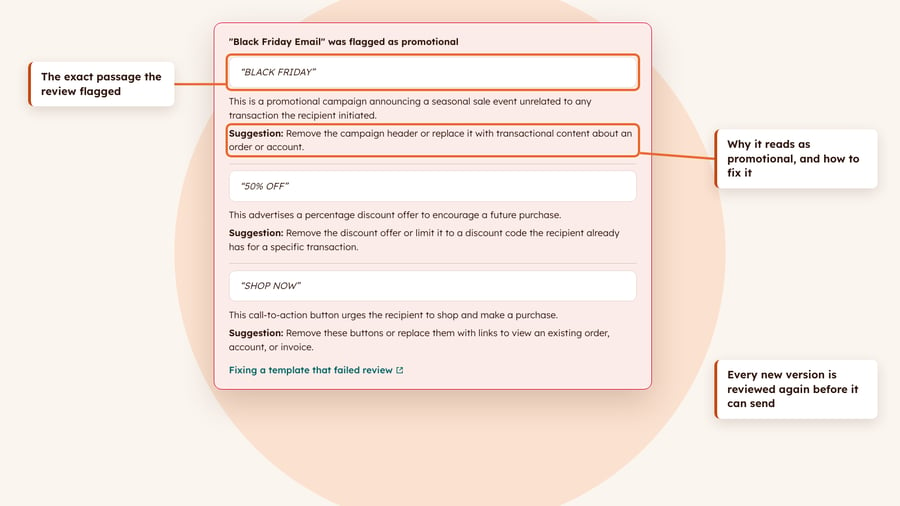
Every template version also gets an automatic transactional content review before it can send. If a template reads like a promotion, it's blocked, and you see the flagged passage, why it was flagged and a suggested fix.
How we send and what we store · See every feature
What teams send with it
Anything a customer needs because of something they did or an account they have with you. Receipts go out when a deal closes or a payment lands. Subscription notices remind customers before a renewal, confirm a payment or flag one that failed. Account notifications cover plan changes, ticket updates and onboarding milestones. Each one is triggered by the workflow that already tracks that moment in HubSpot.
See how teams set up each use case
Try it with 20 free sends. Install, build a template and send a real email from a workflow before you touch DNS or enter a card. Install free